Appointment Settings: State Licensure Booking Requirements
Last updated: August 7, 2026
Within Osmind, each provider within an organization can have professional licensure details added to their account. Team admins can then update specific appointment types to require patients to indicate the state they reside in, and then be matched to providers who are licensed in their state.
Once this setting is enabled for an appointment, patients will not see the option to book with providers who are not licensed in their state. This can be particularly useful for organizations that have provider networks extending across state lines, and/or those who provide telehealth care.
Enable Licensure Requirements for Booking for Your Account
This advanced calendar setting is currently available by request. If you'd like this setting enabled for your account, please email getsupport@osmind.org with subject "Enable State Licensure Booking Setting" or reach out to your account manager.
Frequently Asked Questions
What happens when a patient clicks a booking URL that contacts a booking restriction?
When new patients are using a calendar sharing link to book an appointment (i.e. Discovery call or initial consultation), they will be prompted to select the state in which they reside.
Patients already added into Osmind only see the option to book with their assigned healthcare provider or Care Team members (when booking a new appointment while logged into their Patient Portal). They are not able to select other team members who have not been added as part of their Care Team.
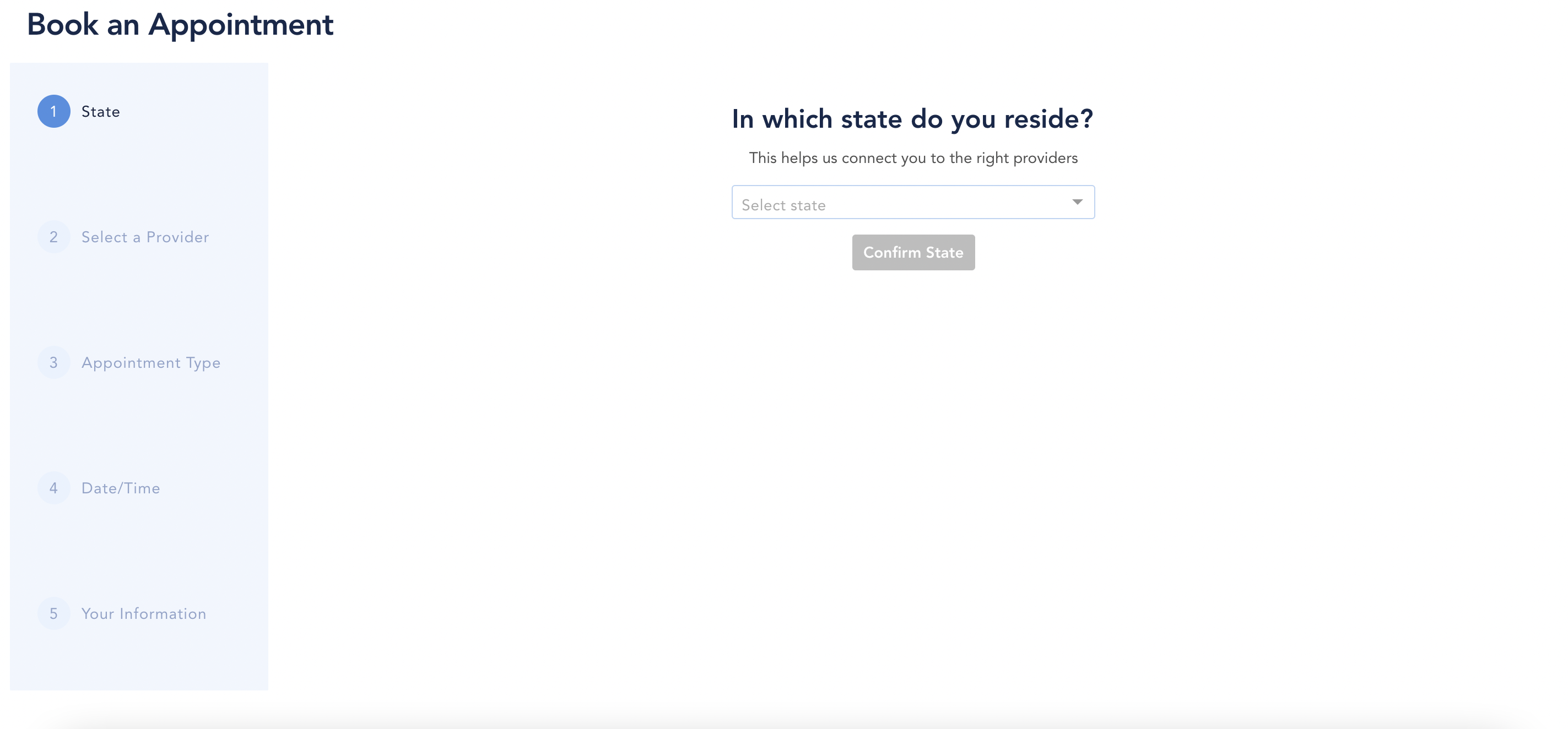
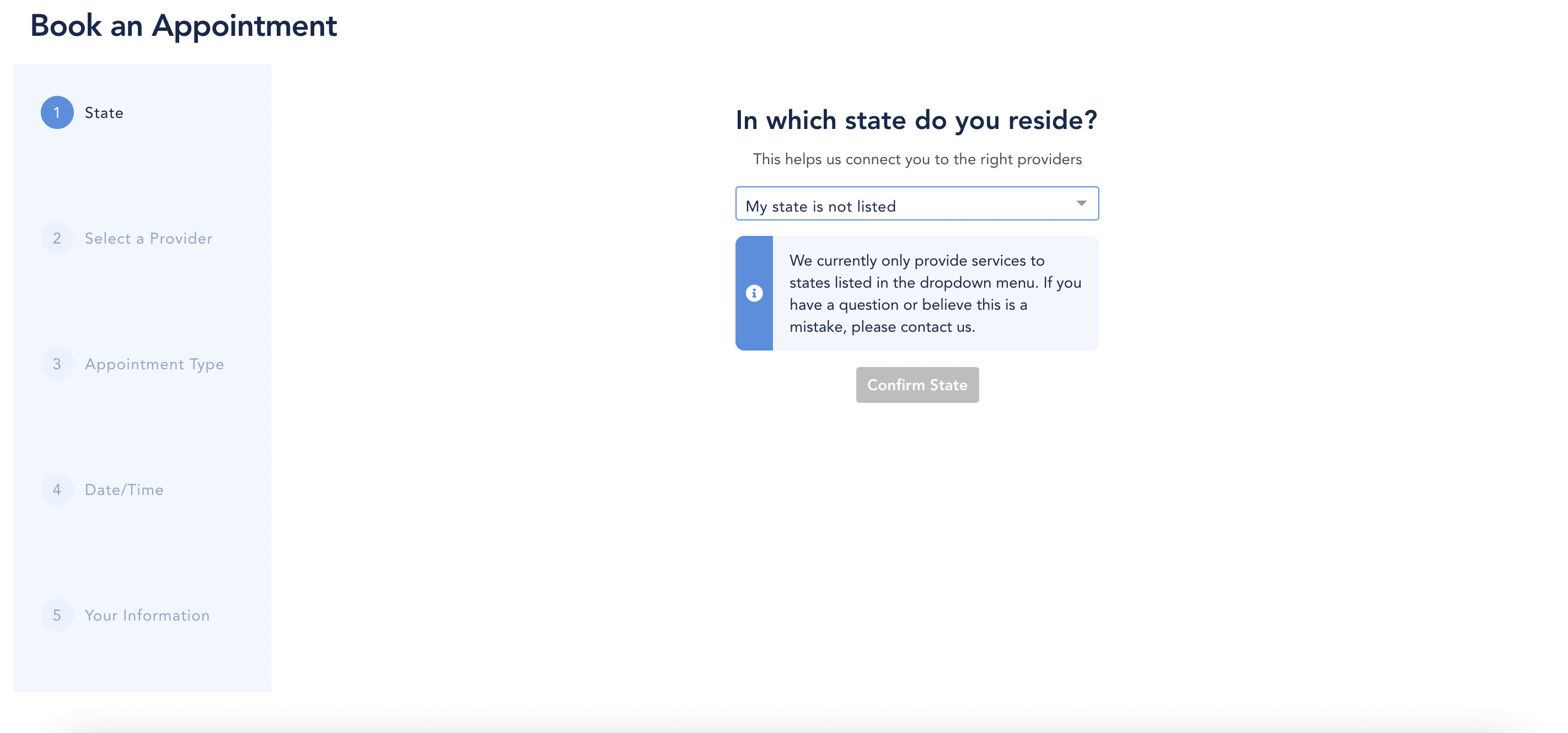
What happens if the patient lives in a state we don't have a licensed provider for?
If there are no providers licensed in the patient's state, they will see an automatic message: "We currently only provide services to states listed in the drop-down menu. If you have a question, or believe this is a mistake, please contact us."
What if a patient buys a package that has an appointment as an included item?
If a patient is buying a patient package that contains an appointment with booking restrictions, they will be prompted to select their state PRIOR to completing the package purchase flow. If the patient selects a state where there is a licensed provider, they will continue on to the package details and can complete the purchase.
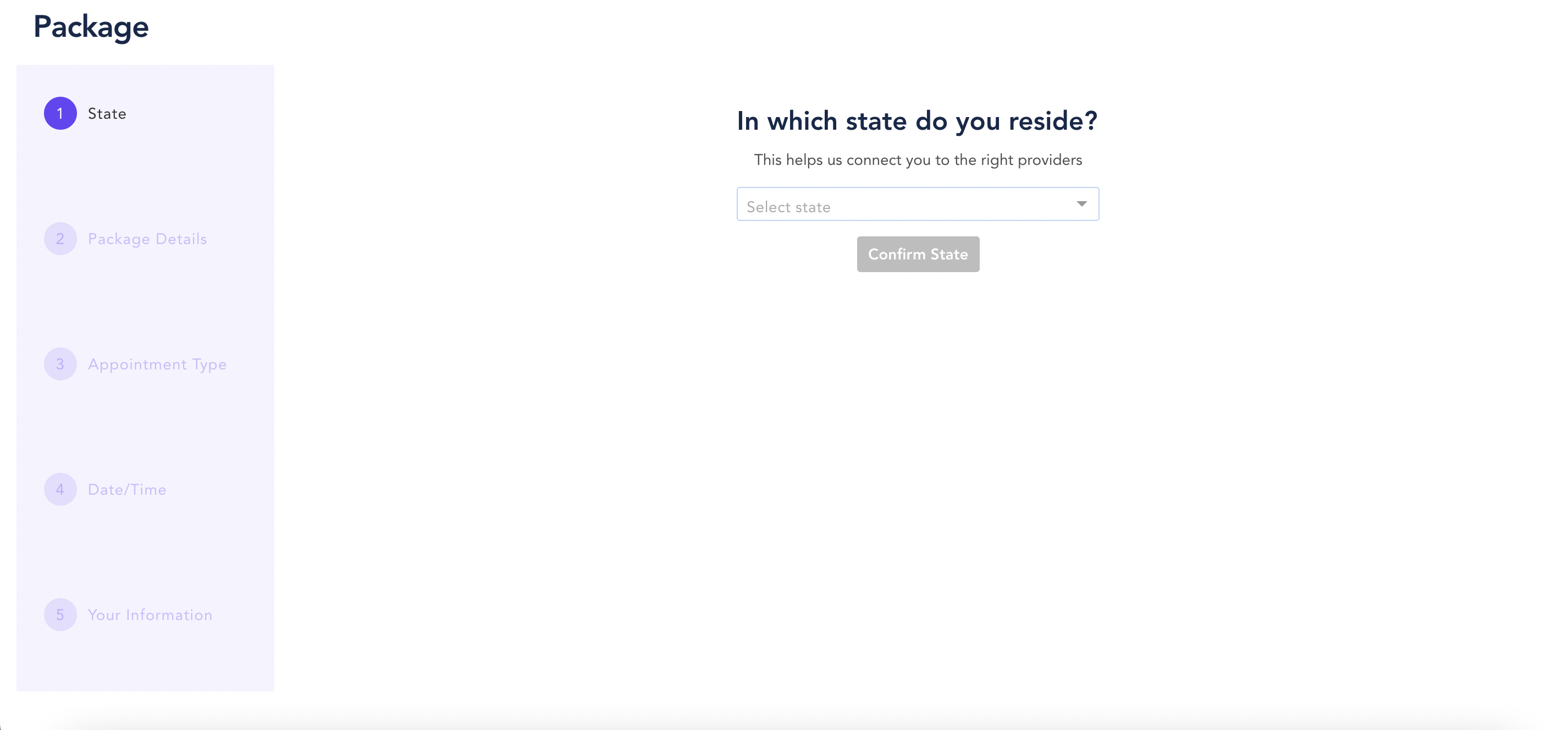
If you have state licensing enabled, and you have a package that does not require a provider to be licensed in a state, the state question will NOT show up.